PrestaShop Addons for SEO, checkout, invoices and conversion

PrestaShop Addons
Addons PrestaShop
Free & paid modules PrestaShop from our best Marketplace PrestaShop Addons for growing your online business & increasing your skill level.
PrestaShop Addons

Browse This Week's Best Selling
PrestaShop Modules

PrestaShop addons for SEO, checkout, invoices and promotions

Use this catalog as a maintained shortlist: SEO recovery, checkout speed, branded invoices, promotion control and small conversion fixes. Each product page shows its own PrestaShop 1.7, 8 or selected PrestaShop 9 compatibility before production use.

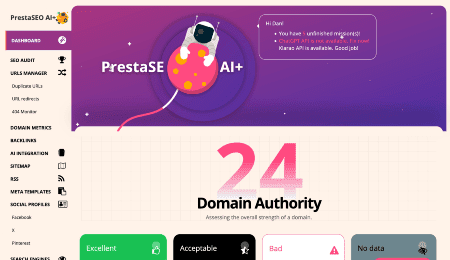
  • SEO modules: automate meta tags, friendly URLs, redirects, local SEO and sitemap tasks.
  • Promotion modules: create coupon, discount, countdown, newsletter and FOMO campaigns.
  • Operations modules: improve invoices, checkout flow, order handling and store administration.

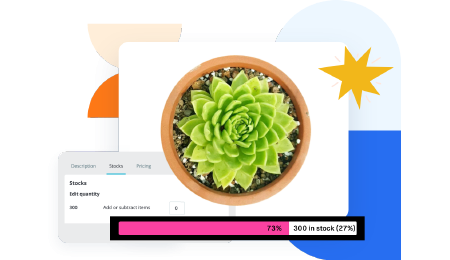
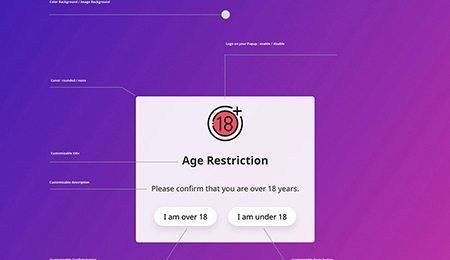
Start with PrestaSEO AI, IConvert Promotions, DocumenThemix, XLeft and Jump to Checkout.

PrestaShop Expert

A LOT OF EXPERIENCE IN PRESTASHOP SERVICES

10 Years of Experience Working With eCommerce Platforms

We help many companies and PrestaShop developers to improve their customers' eCommerce stores using our top-tier solutions for PrestaShop plugins.
PrestaShop Expert
Addons PrestaShop

PrestaShop Modules Free and Paid Focused On Results

There are plenty of factors that hinder a PrestaShop website. Let us improve the conversion rate and the shopping experience of the customer, then get it optimized!
From payment methods to marketing solutions, find modules suitable for any kind of shop: Activities & Travel Services, Jewelry & Accessories or Electronics & Computers. We provide the best free and paid PrestaShop addons, simple and secure solutions trusted by over 3000+ merchants and store owners.
Addons PrestaShop
PrestaShop Awards Winner

The award-winner for navigation: SOO Mega Menu

SOO Magic Menu - It is the award-winning navigation solution, which makes navigation easy.
* Technical support and download of update packages are included during the subscription period at no additional cost.

Modules for your eCommerce website.

Optimize your online store.

Do you have technical and functional questions? Have a problem downloading the latest version of your PrestaShop Addons? Contact us to ask something or get the necessary update!
PrestaShop Development Team

“These guys know their stuff! Can’t help to wonder how they do this so well…”

Phong Ng
Marketing Director @ MyRock Fitness, Singapore

FAQs

What are PrestaShop modules?

They are downloadable extensions which can be used to enhance your store's functionality. Downloading a module will automatically install it to the correct location.

How do I download PrestaShop modules?

Register an account and purchase your favorite extensions. Then you can download them from your subscription page.

How do I install an addon for PrestaShop?

Access the Module manager page from your back office, upload the downloaded package and the installation process will automatically start.

What is the difference between free and paid addons?

We provide free utilities, and they have useful functions. You can use them without extra cost. Due to a large number of users, we cannot provide you with any support for these free modules. Buying add-ons for your business ensures that you stay in the game with the most advanced functions, the best support services and unlimited downloads of update packages.

Should every PrestaShop 8 module be installed on PrestaShop 9?

No. Check compatibility module by module. PrestaShop 9 changed some legacy APIs, so use modules marked for PrestaShop 9 and test them on staging before production.

Which addons should a small store install first?

Start with the basics that protect revenue: SEO visibility, checkout flow, payment trust and document automation. Add campaign modules after the main buying flow is stable.

Which PrestaShop addons should you install first?

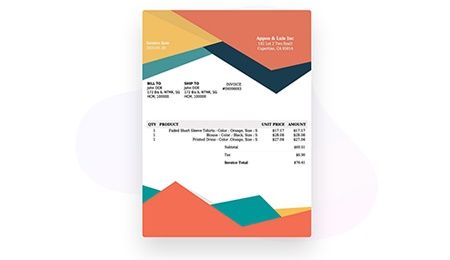
Start with the modules that protect the buying path: PrestaSEO AI for audits, meta tags and redirects, IConvert Promotions for campaigns, Jump to Checkout and XLeft for conversion, and DocumenThemix for branded invoices. Add smaller extras after traffic and orders are stable.

How do addons help with SEO recovery?

Use maintained addons to clean up indexation problems before they become traffic losses: meta titles, meta descriptions, 301 redirects, image alt text, canonical checks and broken URLs. This matters most before migrations, theme changes and large catalog imports.

Choose PrestaShop addons by outcome, not by module count

A lean PrestaShop stack is usually stronger than a crowded one. Start with modules that protect SEO, checkout, documents, promotions and measurable conversion before adding experiments.

  • SEO recovery: PrestaSEO AI for audits, meta tags, redirects, images and local SEO.
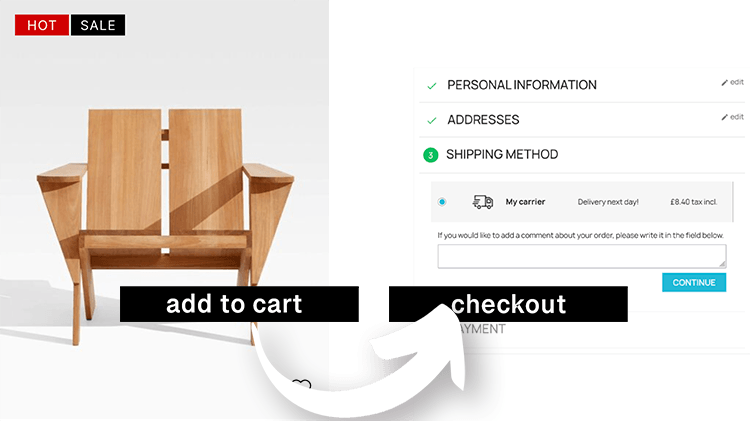
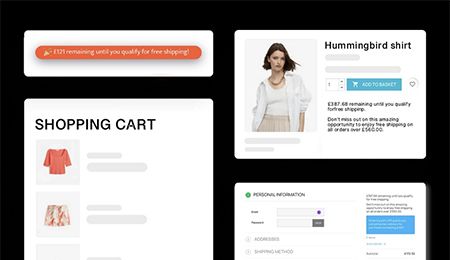
  • Conversion: XLeft, Jump to Checkout, Trusty and Cart Reservation for buying-path friction.
  • Operations: DocumenThemix for invoice and document templates, plus focused promotion tools.

Which PrestaShop addons should a store install first?

Start with SEO, checkout, document and conversion modules. Add campaign extras only after the store flow is stable.

Should every module be PrestaShop 9-ready?

No. Check each product page. Some modules support PrestaShop 1.7 and 8, while selected maintained releases are positioned for PrestaShop 9.


PrestaSOO team

Trusted by 7k++ clients.

Modules you need to make a living doing work you love.

Discover

It is a wise investment

PrestaShop modules we created first to solve the problem of our own business - an e-Commerce site. That means they are very useful for serious business. If you value your web property, these modules are a wise investment.
Sarah Reeves, App Developer @ PrestaSOO
Made with in Paris & Hanoi
PrestaSOO © 2026. All rights reserved. // Privacy Policy Terms of Service