 Cancel Order
 Logo Slider
 Cart Reservation
 Magic Menu
 PageSpeed
 DeleteX
 ChargeMe
 Age Restriction 18+
 DocumenThemix
 Agile Search
 Newsletter Popup
 IConvert Promotion
 Trusty Sale Proof
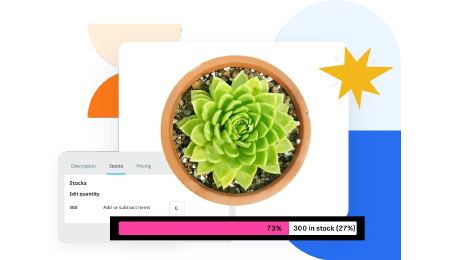 Countdown x Bar
 Xleft
Xleft Jump to Checkout
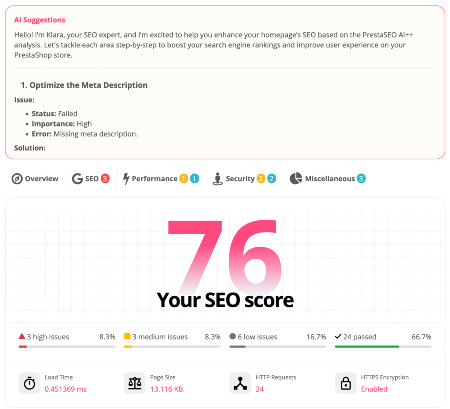
 PrestaSEO AI++
 Accessibility Guard
 SOO Agent Gateway
 SOO Agent Catalog Tools
 SOO Agent SEO Tools
 GDPR
GDPR Create a new account
PrestaShop reCAPTCHA: Stop Spam Registrations & Messages
Spam registrations and contact-form spam clog PrestaShop customer lists and fill order inboxes with fake data. Google reCAPTCHA blocks most of it in one step. Note first: PrestaShop core does not include a captcha feature for the contact form, account registration, or login — you add one via a module.
1. Get your reCAPTCHA keys
Two versions to choose from:
- reCAPTCHA v2 ("I'm not a robot" checkbox) — visible, one click, easy to understand. Best for registration and contact forms.
- reCAPTCHA v3 (invisible, score-based) — nothing for the customer to click; it returns a 0–1 score. Best for high-traffic pages, but you must pick a score threshold.
Steps for keys:
- Go to the Google reCAPTCHA admin console.
- Register a new site. Choose v2 checkbox or v3.
- Enter your store domain exactly (
www.yourstore.com, nohttps://). - You get two strings:
- Site key — public, safe to put in HTML.
- Secret key — private, goes only in module settings.
Keep both. The secret key never goes into page code.
2. Install a reCAPTCHA module
Marketplace search: recaptcha. Pick a module that supports:
- Your PrestaShop version (8.x / 9.x).
- Your reCAPTCHA version (v2 or v3, or both).
- The forms you need: registration, login, contact form, order notes.
Install it, then open its configuration.
3. Configure the module
Paste your two keys. Then choose where the captcha appears:
- Create account / registration — biggest spam source. Enable first.
- Contact form — enable if you receive automated messages.
- Login — enable only if attackers target your login; otherwise skip it (it adds friction for real customers).
Save, then test in an incognito window:
- Registration shows the checkbox (v2) or works silently (v3).
- Submitting without solving gives an error, not a customer.
4. v3 threshold tuning
With v3, every action gets a score: 1.0 = almost certainly human, 0.0 = almost certainly a bot. Modules let you set a threshold (commonly 0.5).
- Too many real customers blocked → lower the threshold (0.3–0.4).
- Still getting spam → raise it (0.7).
Check the module's stats page for a few days before changing anything.
5. Common errors
"ERROR for site owner: invalid site key"
The site key does not match the domain you registered. Re-check the exact
domain in the admin console (with and without www if you use both).
Captcha appears, but the form still submits spam The module may protect the form's display but not the server-side validation. Check the module's settings for "verify on server side" — it must be on.
v3 score always 0.1–0.2 Often caused by VPN, shared office IP, or a store behind a CDN whose IP is shared. Lower the threshold or switch those users to v2 checkbox.
The keys work locally but not on production
The key was registered for localhost. Register a second key pair for the
production domain.
6. Combine with other defenses
reCAPTCHA is one layer. For a clean store, add:
- Email verification — require the customer to confirm the address before the account works.
- Server-level rate limiting — blocks the flood before it reaches PHP (most CDNs, including Cloudflare, do this for free).
- Honeypot field — a hidden field that bots fill but humans cannot see. Several free modules add it with no customer friction.
FAQ
Is Google reCAPTCHA free? Yes for normal use. Google charges only for very high enterprise volume (reCAPTCHA Enterprise), which most stores do not need.
Does reCAPTCHA slow my store? The v2 checkbox adds one small script. Load it only on the forms you protect (most modules do this). v3 adds nothing visible.
Can I protect only the contact form? Yes. Most modules let you enable captcha per form. Registration first, contact form second, login last.
Do customers need to solve the checkbox every time? No. Once solved, reCAPTCHA trusts the browser for a period — repeat visits on the same device usually skip it.

 PrestaSOO