Cancel Order
 Logo Slider
 Cart Reservation
 Magic Menu
 PageSpeed
 DeleteX
 ChargeMe
 Age Restriction 18+
 DocumenThemix
 Agile Search
 Newsletter Popup
 IConvert Promotion
 Trusty Sale Proof
 Countdown x Bar
 Xleft
Xleft Jump to Checkout
 PrestaSEO AI++
 Accessibility Guard
 SOO Agent Gateway
 SOO Agent Catalog Tools
 SOO Agent SEO Tools
 GDPR
GDPR Create a new account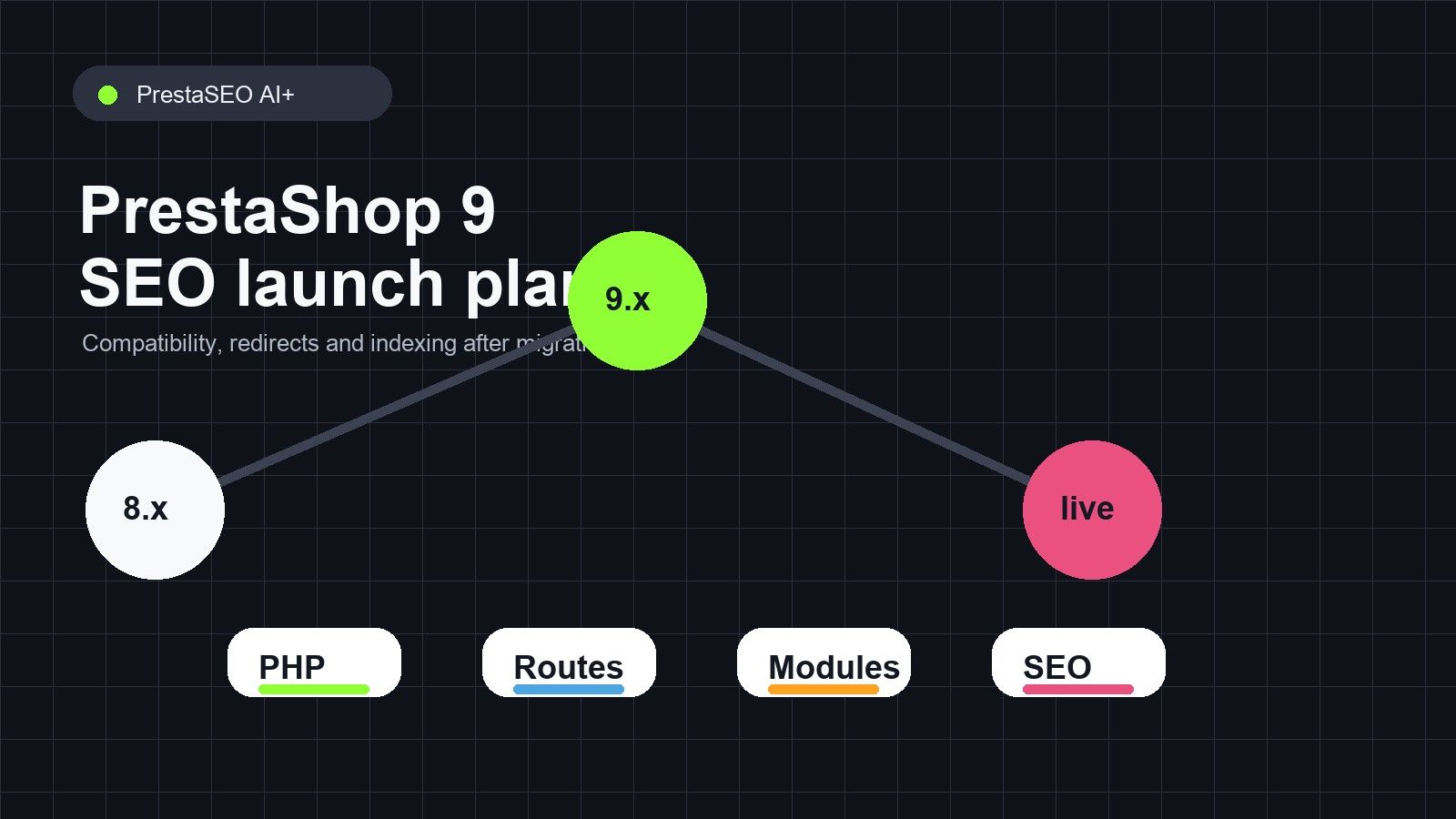
PrestaShop 9 SEO Guide: Audits, Metadata, Content and Compatibility
PrestaShop 9 gives store owners a chance to clean up old SEO debt, but migration alone does not improve rankings. The real gains come from checking technical compatibility, page structure, metadata, content quality and tracking data after the upgrade.
This guide focuses on the SEO work that should happen around a PrestaShop 9 launch or migration, especially for stores that rely on modules, multilingual content and older URLs.
Check technical readiness first
- Confirm server requirements, PHP compatibility and module compatibility before migration.
- Test canonical tags, pagination, robots, sitemap generation and redirects on staging.
- Compare key templates before and after launch: product, category, CMS and blog pages.
A technical issue introduced during migration can erase the benefit of better content. Use the PrestaShop requirements guide and PHP compatibility chart before launch.
Protect old URLs and rankings
- Map old URLs to new URLs before changing friendly URL patterns.
- Create 301 redirects for pages that moved or merged.
- Check for redirect chains, loops and old module routes after installation.
Migration traffic losses often come from broken URL memory. Google and users may request older paths for months or years, especially if those URLs have links.
Rebuild metadata around current intent
- Refresh title tags and descriptions for the pages with the most impressions.
- Use templates carefully for large product catalogs.
- Avoid importing outdated metadata from old versions without review.
PrestaShop 9 is a good moment to clean up metadata at scale. The PrestaShop meta tags guide covers this step in more detail.
Use Search Console after launch
- Compare impressions, clicks and indexed pages before and after migration.
- Inspect important URLs if rankings or impressions disappear.
- Watch for language, canonical and mobile usability problems.
Do not judge the first few days too harshly. But do react quickly to missing indexation, broken canonicals or disappearing priority pages.
Choose SEO modules for execution, not decoration
- Look for audit workflows, metadata control, redirect management, content support and PrestaShop 9 compatibility.
- Avoid tools that only display metrics without turning them into action.
- Keep hosted data, API keys and provider flexibility clear for long-term maintenance.
PrestaSEO AI+ was updated for PrestaShop 9 with audit, metadata, content, local SEO and backlink workflows in one module. It should still be evaluated like any SEO tool: by how much useful work it removes.
The best SEO work is not the work that creates the most reports. It is the work that helps the store owner decide what to fix next, publish cleaner pages and measure whether Google responds.