Cancel Order
 Logo Slider
 Cart Reservation
 Magic Menu
 PageSpeed
 DeleteX
 ChargeMe
 Age Restriction 18+
 DocumenThemix
 Agile Search
 Newsletter Popup
 IConvert Promotion
 Trusty Sale Proof
 Countdown x Bar
 Xleft
Xleft Jump to Checkout
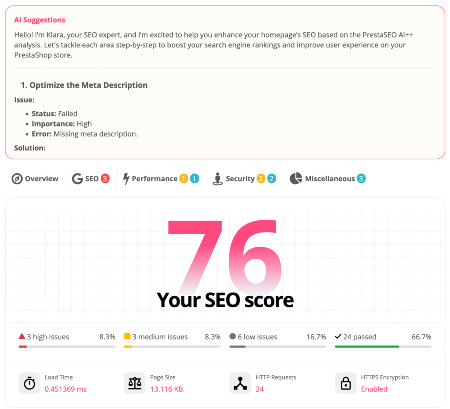
 PrestaSEO AI++
 Accessibility Guard
 SOO Agent Gateway
 SOO Agent Catalog Tools
 SOO Agent SEO Tools
 GDPR
GDPR Create a new account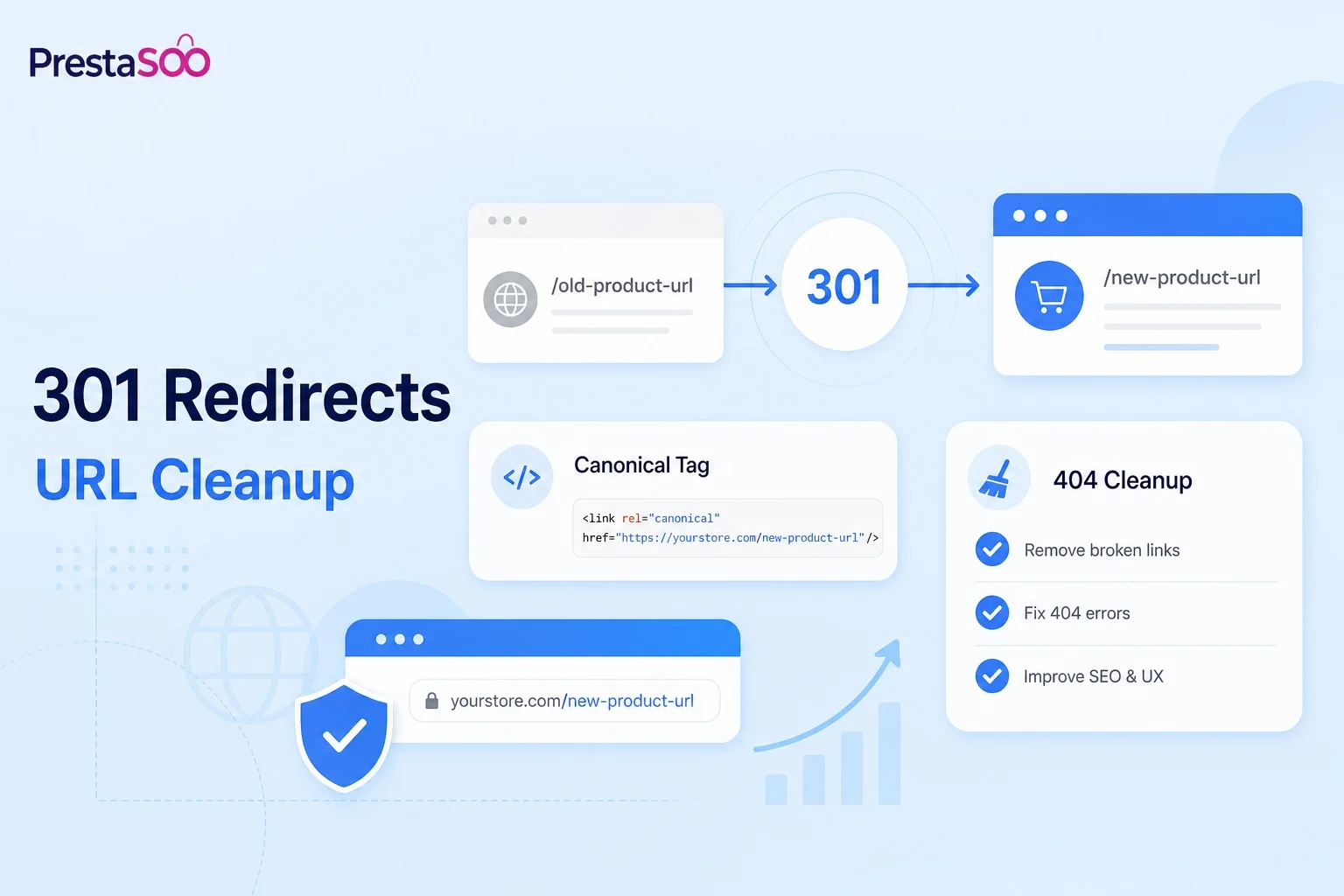
PrestaShop Redirect Manager: 301 Redirects, Canonicals and URL Cleanup
A PrestaShop redirect manager protects SEO when product URLs change, categories are reorganized, old pages are deleted or a store moves from PrestaShop 1.7 or 8 to PrestaShop 9. Without redirects, good traffic can disappear into 404 pages.
When Do You Need Redirects in PrestaShop?
Redirects are not only for full migrations. They are needed whenever a useful URL changes and visitors or Google may still request the old address.
- Deleted products that still receive impressions or backlinks.
- Category renames that change friendly URLs.
- CMS pages merged into a better guide.
- HTTP to HTTPS, non-www to www or domain changes.
- PrestaShop 9 migration projects where routing, modules or theme structure changes.
301 vs 302 Redirects
| Redirect type | Meaning | SEO use |
|---|---|---|
| 301 | Permanent redirect | Use for deleted products, changed URLs and migrations. |
| 302 | Temporary redirect | Use for short campaigns or maintenance when the old URL should return. |
| Canonical | Preferred version of similar content | Use when similar pages should remain accessible but one URL should be preferred. |
PrestaShop Redirect Checklist
- Export existing URLs from the store and Search Console before changing anything.
- Map every valuable old URL to the closest relevant new URL.
- Use 301 redirects for permanent changes.
- Avoid redirect chains such as old URL to middle URL to final URL.
- Keep canonical URLs clean on product and category pages.
- Test 404 pages after deployment and fix URLs with impressions.
Module vs .htaccess Redirects
A `.htaccess` redirect is fast but hard to manage for a marketing team. A PrestaShop redirect module is easier when you need searchable rules, imports, logs, bulk edits and back office control.
If redirects are part of a broader SEO cleanup, combine them with a technical audit in PrestaSEO AI. If you only need dedicated redirect handling, review your current PrestaShop redirection module setup and confirm it still works before a PrestaShop 9 migration.
Common Redirect Mistakes
- Redirecting every deleted product to the home page.
- Using 302 redirects for permanent URL changes.
- Changing friendly URLs without exporting old URLs first.
- Creating multiple hops before the final page.
- Forgetting image, CMS and category URLs.
FAQ
Should deleted products redirect to categories?
Often yes, but only when the category is truly relevant. If a direct replacement exists, redirect to the replacement product instead.
Can too many redirects hurt SEO?
Redirects are normal, but large redirect chains and irrelevant redirects waste crawl budget and create poor user experience.
Do I need redirects for PrestaShop 9?
If the URL structure stays identical, not always. If categories, friendly URLs, CMS pages or modules change, plan redirects before launch.