 Cancel Order
 Logo Slider
 Cart Reservation
 Magic Menu
 PageSpeed
 DeleteX
 ChargeMe
 Age Restriction 18+
 DocumenThemix
 Agile Search
 Newsletter Popup
 IConvert Promotion
 Trusty Sale Proof
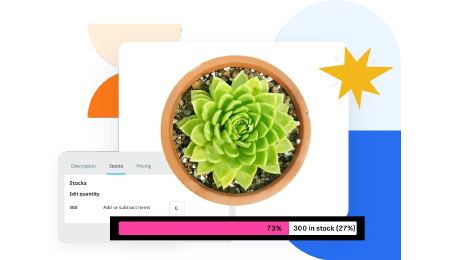 Countdown x Bar
 Xleft
Xleft Jump to Checkout
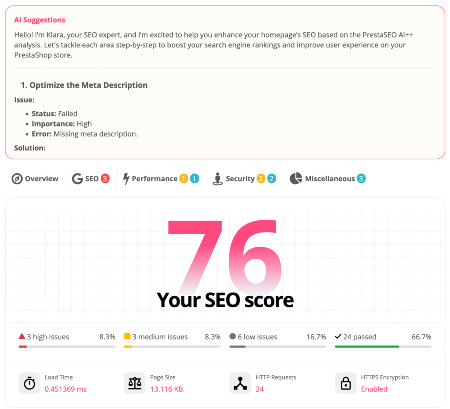
 PrestaSEO AI++
 Accessibility Guard
 SOO Agent Gateway
 SOO Agent Catalog Tools
 SOO Agent SEO Tools
 GDPR
GDPR Create a new account
PrestaShop 9 Migration Readiness: Complete Checklist for Store Owners

A PrestaShop 9 migration should not start with a blind upgrade button. The safer path is a readiness checklist that maps your theme, modules, PHP runtime, data model, URLs, SEO fields, and launch risks before production is touched.
This guide is written for merchants planning an upgrade to PrestaShop 9 from PrestaShop 8 or an older stack. It focuses on practical checks that reduce downtime, ranking loss, and checkout regressions.
Start With a Store Inventory Before the Upgrade
Document the current PrestaShop version, PHP version, database size, enabled modules, overrides, payment methods, carriers, theme name, cron jobs, and integrations. A clean inventory turns a vague upgrade to PrestaShop 9 into a controlled migration project with known owners for each risk.
Audit Theme and Module Compatibility
The most common PrestaShop 8 to 9 migration failures come from legacy modules, unsupported overrides, and theme assumptions. Check every revenue-critical module against the vendor compatibility statement, then test replacements in staging before touching production. If SEO continuity matters, review PrestaSEO AI for metadata and structured-data workflows after migration.
Validate PHP, Symfony and Hosting Requirements
Do not assume that a host advertising a new PHP branch automatically means PrestaShop PHP 8.5 support. Compare your runtime with the official PrestaShop 9 requirements and keep production on a version that both the core and your modules support.
Protect SEO Signals During the Migration
Export current indexable URLs, canonical URLs, titles, descriptions, hreflang tags, schema markup, and redirect rules. After migration, crawl the staging site and compare URL status, canonical targets, robots directives, and key product metadata before opening the new store to Google.
Run a Post-Launch Verification Window
For the first 72 hours after launch, monitor server errors, checkout conversion, payment callbacks, Search Console indexing, sitemap freshness, and top product rankings. Treat migration as a controlled rollout, not a single deployment event.
Helpful Public References
Frequently Asked Questions
Can I migrate directly from PrestaShop 8 to PrestaShop 9?
In many cases the project can be planned that way, but the practical answer depends on your theme, modules, overrides, hosting stack, and data quality. Always test the exact store in staging first.
What is the biggest SEO risk in a PrestaShop 9 migration?
The biggest risk is not the version change itself; it is losing URL mappings, canonical logic, metadata, hreflang coverage, or structured data during the redesign and module replacement work.
Next step: review PrestaSEO AI for PrestaShop if you want this workflow closer to your store operations.

 PrestaSOO