Cancel Order
 Logo Slider
 Cart Reservation
 Magic Menu
 PageSpeed
 DeleteX
 ChargeMe
 Age Restriction 18+
 DocumenThemix
 Agile Search
 Newsletter Popup
 IConvert Promotion
 Trusty Sale Proof
 Countdown x Bar
 Xleft
Xleft Jump to Checkout
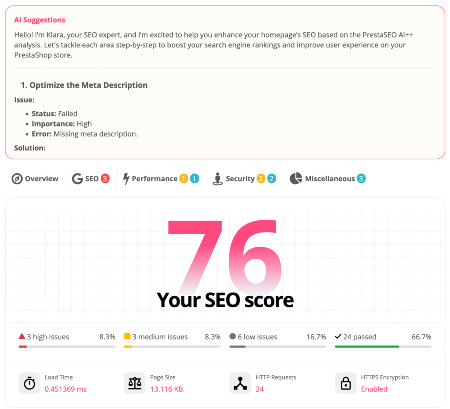
 PrestaSEO AI++
 Accessibility Guard
 SOO Agent Gateway
 SOO Agent Catalog Tools
 SOO Agent SEO Tools
 GDPR
GDPR Create a new account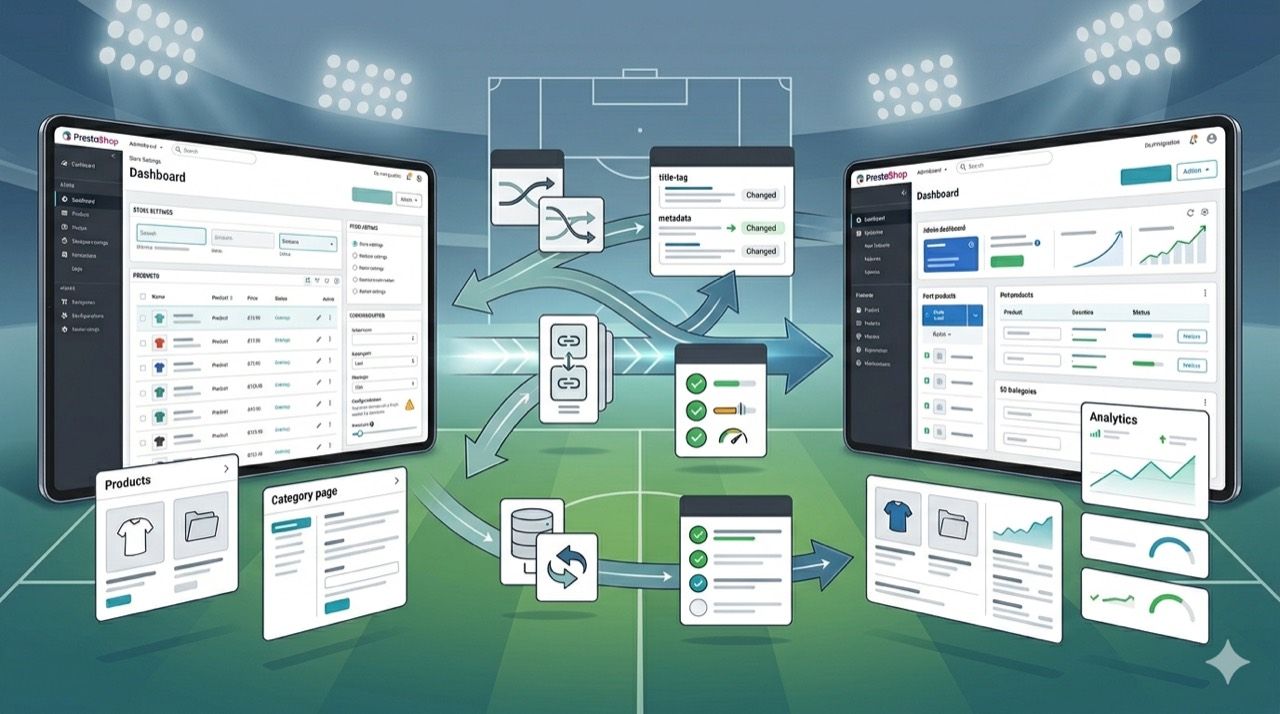
PrestaShop 9 SEO Migration: Titles, Redirects, Canonicals and Module Checks
A PrestaShop 9 migration can preserve rankings or quietly damage them. The difference usually comes down to execution details: title patterns change, URLs move, redirect coverage is incomplete, canonical logic shifts, and one incompatible module pollutes the output of product or category pages after launch.
If the migration also includes theme changes or module cleanup, the SEO risk is not theoretical. It is operational. Store owners need a tighter checklist for titles, redirects, canonicals, and module behavior before Google reprocesses the new storefront. That is where PrestaSEO AI can support validation instead of waiting for Search Console damage reports.
Freeze The SEO Baseline Before Touching Production
Export current indexable URLs, title tags, meta descriptions, canonicals, high-value categories, top products, and any pages already earning impressions or clicks. Without a baseline, the team cannot tell whether the migration preserved important signals or silently replaced them with weaker defaults.
Preserve Title Logic, Not Only Page Existence
Many migration teams check whether a page still loads and stop there. That is too shallow. Title patterns often change during theme, template, or module replacement work, especially when defaults overwrite custom product and category fields. Review the pages that already matter in search and confirm that the new store still expresses the same intent in titles and descriptions.
Validate Redirects As A Mapping Problem
Redirect work is not just a technical afterthought. It is a URL mapping exercise. Every important old page should have a deliberate destination, preferably one-to-one when the equivalent content still exists. Avoid chains, broad homepage redirects, and lazy one-rule patterns that send mixed page types to weak replacements.
Check Canonicals After Theme And Module Changes
Canonical issues often appear after upgrades because the theme, filter behavior, pagination logic, or SEO module stack changed. A migrated store can look correct in the browser while canonical tags suddenly point to the wrong variant, the wrong language, or an outdated route. Crawl the staging site and confirm that product, category, CMS, and filtered pages express the canonical target you actually want indexed.
Review Module Output Before Launch
The migration checklist should include every module that touches titles, meta fields, structured data, breadcrumbs, faceted navigation, redirection logic, or multilingual output. A module can be nominally compatible with PrestaShop 9 and still produce weak SEO output after deployment. Pair the migration work with low-CTR review in Search Console and technical QA from SOO Agent SEO once the new store is live.
Helpful Public References
- PrestaShop 9 system requirements
- PrestaShop 9 release overview
- Google documentation on canonicalization
Frequently Asked Questions
Is URL status code checking enough for a PrestaShop 9 migration?
No. A page returning 200 does not prove that titles, canonicals, structured data, metadata, or multilingual routing survived the migration correctly.
What is the most common SEO mistake during migration?
A common mistake is treating redirects as an afterthought and titles as template defaults. That combination can preserve page availability while degrading relevance and click-through performance.
Should SEO modules be retested after the upgrade even if they are marked compatible?
Yes. Compatibility claims reduce risk, but they do not replace live validation of rendered output, canonical behavior, metadata fields, structured data, and multilingual SEO after the new store is deployed.
Next step: review PrestaSEO AI for PrestaShop if you want this workflow closer to your store operations.